Get Better Results
Simple adjustments that make tracing easier and your finished work look better.
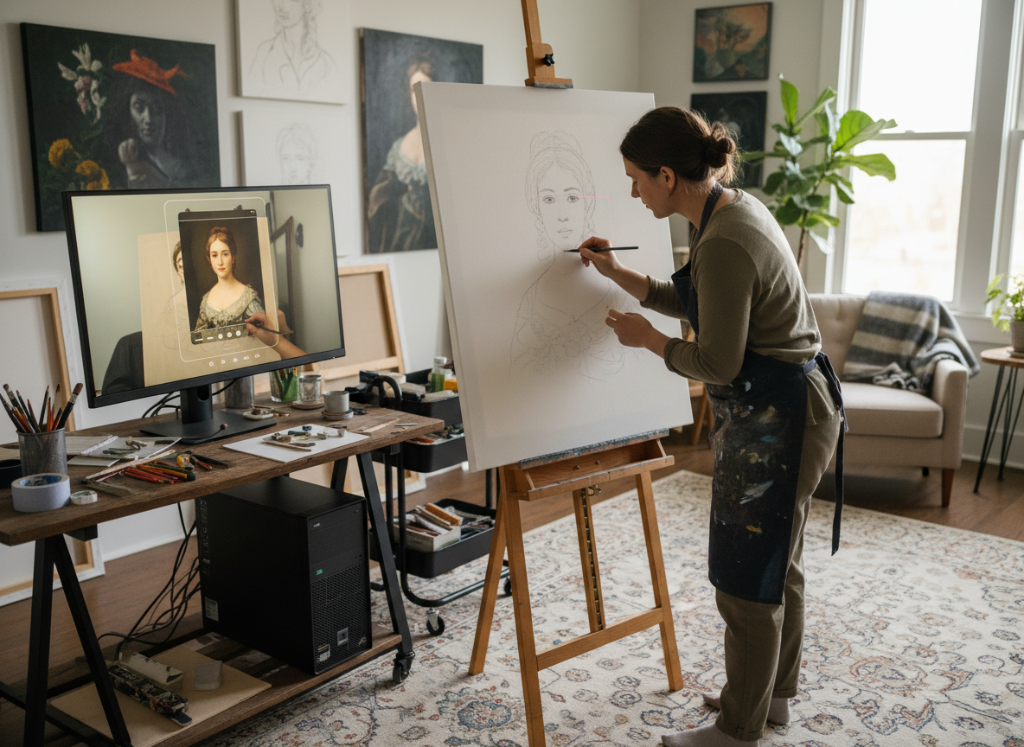
Start Simple
Your first few pieces should be straightforward subjects—portraits, simple objects, or clear compositions. Master the basic workflow before tackling complex scenes. Speed comes with practice.
Use Edge Detection
Turn on edge detection or high-contrast mode to simplify your reference. This shows you just the important lines and shapes, making it much easier to trace the structure without getting lost in details.
Adjust Opacity
Keep the overlay at 30-50% opacity so you can see both your hand and the reference. Too bright and you can't see what you're drawing. Too dim and you lose the reference. Toggle it on and off to check your work.
Good Lighting Matters
Light your paper well, but avoid glare directly into the camera. Soft lighting from the sides works best. If your camera feed looks washed out or too dark, adjust your lights before adjusting the software.
Work in Layers
Trace the basic structure first—shapes, proportions, key lines. Then turn off the overlay and add your own style, shading, and details. The reference gets you started; your skill finishes it.