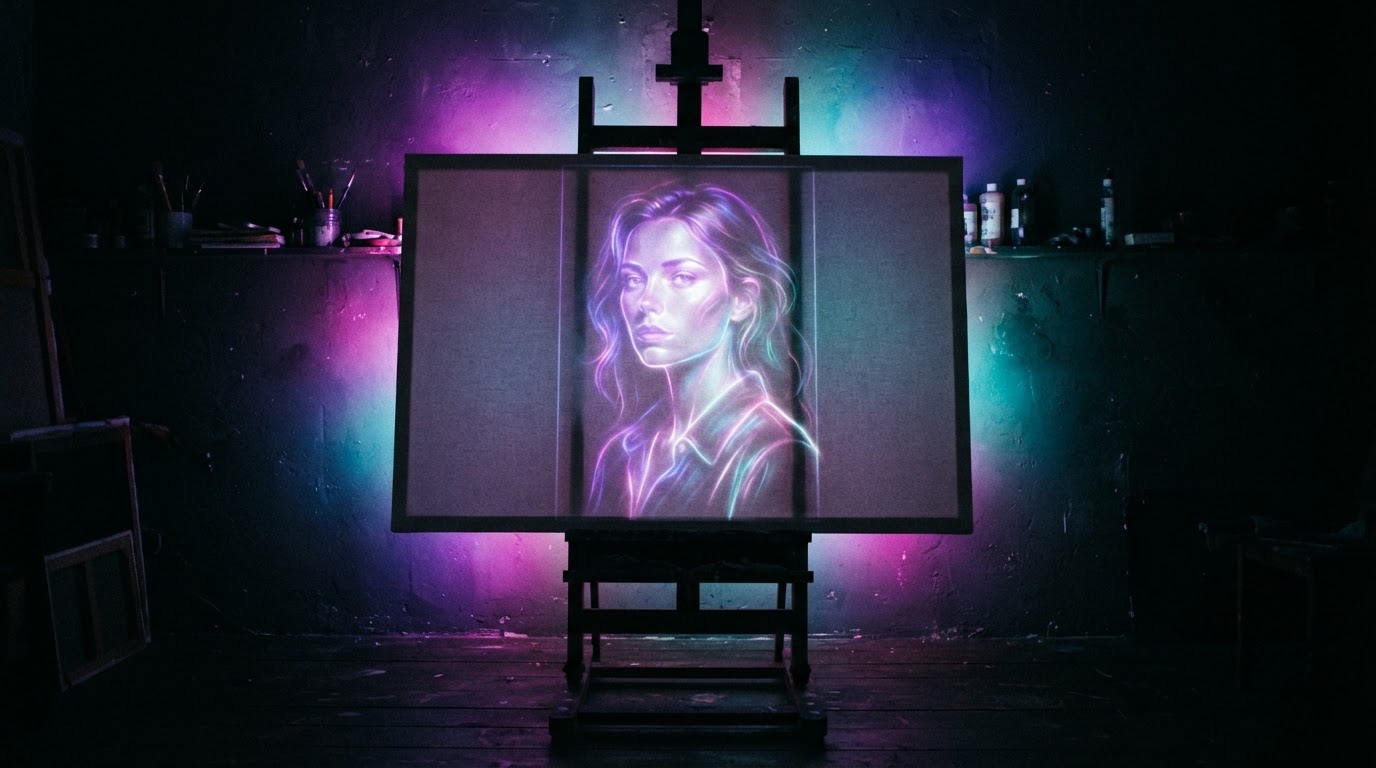
Spendmore timemaking art.
See your reference image on your desk through your camera. Trace it right onto canvas, wood, fabric, or glass — no projector, no transfer paper.
The idea is rarely the hard part.
The workarounds
- Tracing paper
- Ruler and grid
- Printout in pieces
- Graphite stick
- Phone propped against a mug
With Desktop Tracer
- Board or canvas
- A camera
- Your screen
- The overlay aligned
You know what you want to make. Then comes the part in between: sketch it out, resize it, redraw it, grid it, print it in pieces, rub transfer paper across it, step back, check the proportions, do it again.
None of that is the art. But it's where the energy goes — and it's where a lot of pieces quietly stop before they start.
Desktop Tracer replaces that whole stage with one visual step. Line up the reference on the surface. Start the real work.
From reference to first lines in minutes.
Bring in your idea
Upload a sketch, photo, pattern, reference, or something you generated. Anything you can save as an image works.
Point a camera at your surface
Your webcam, a document camera, or your phone as an overhead view (Pro). Nothing special required.
Line it up and start
Adjust the size, angle, position, and opacity until the reference sits exactly where you want it. Lock it in place and begin.


If you make things, and the setup is what slows you down.
Built for the moment every artist recognizes — the idea is ready, the surface is ready, and there's still a pile of transferring to do first.
That moment shows up everywhere:
And anyone who just wants to make something on a Saturday without the first hour being homework.
See how each of these works
- Canvas painters
- Portrait artists
- Cake decorators
- Sign painters
- Wood burners and pyrographers
- Quilters and embroiderers
- Stained glass artists
- Ceramic and tumbler artists
- Card makers, scrapbookers, and mixed-media crafters
You've probably tried most of these.
Is this cheating?
No. And it's worth saying plainly, because it stops a lot of people from trying anything that helps.
Tracing a layout is a technique, not a shortcut around skill. Old Masters used camera obscuras. Illustrators use lightboxes. Muralists use projectors. Animators trace their own keyframes. The tool has never been the thing that makes the work good.
Desktop Tracer doesn't draw a single line. It doesn't pick your colors, choose your marks, or make one decision about the piece. It handles the placement so you can spend your attention on everything that actually shows in the finished work.
You still make the art. This just gets you there sooner.
Start free. Stay free if that's all you need.
The full tracing workflow is free — live camera, overlay, alignment, guides, filters, and export. Pro exists for artists who want unlimited projects and the color tools, but nobody needs it to trace their first piece.
Free
- 1 Saved Project
- Canvas Layers (up to 2)
- Live Camera & AR Tracking
- Phone as Camera
- All Composition Guides
- Magnifier Loupe
- Image Filters & Edge Detection
- Export to Image
Pro
- Everything in Free
- Unlimited Projects & Layers
- Snapshots & Version History
- Project Board & Tags
- Color Picker & Paint Mixing
- HEX/RGB/CMYK/Pantone Matching
- AI Color Analysis
- Smart Crop Detection
- Full Asset Library
- Priority Support
Cancel anytime. Your free plan is yours forever either way.
Your next piece doesn't need another workaround.
Open Desktop Tracer, bring in your reference, and start. It takes about two minutes to find out whether it fits how you work.
Free forever plan · No credit card · Nothing to install